


The gap nobody talks about
You launch a feature. Support doesn't blow up. So you assume it's working. You put it in the release notes. You mention it in the all-hands. Months later someone asks "how many people actually use that?" and nobody knows. Or worse, you find out most users never touch it.
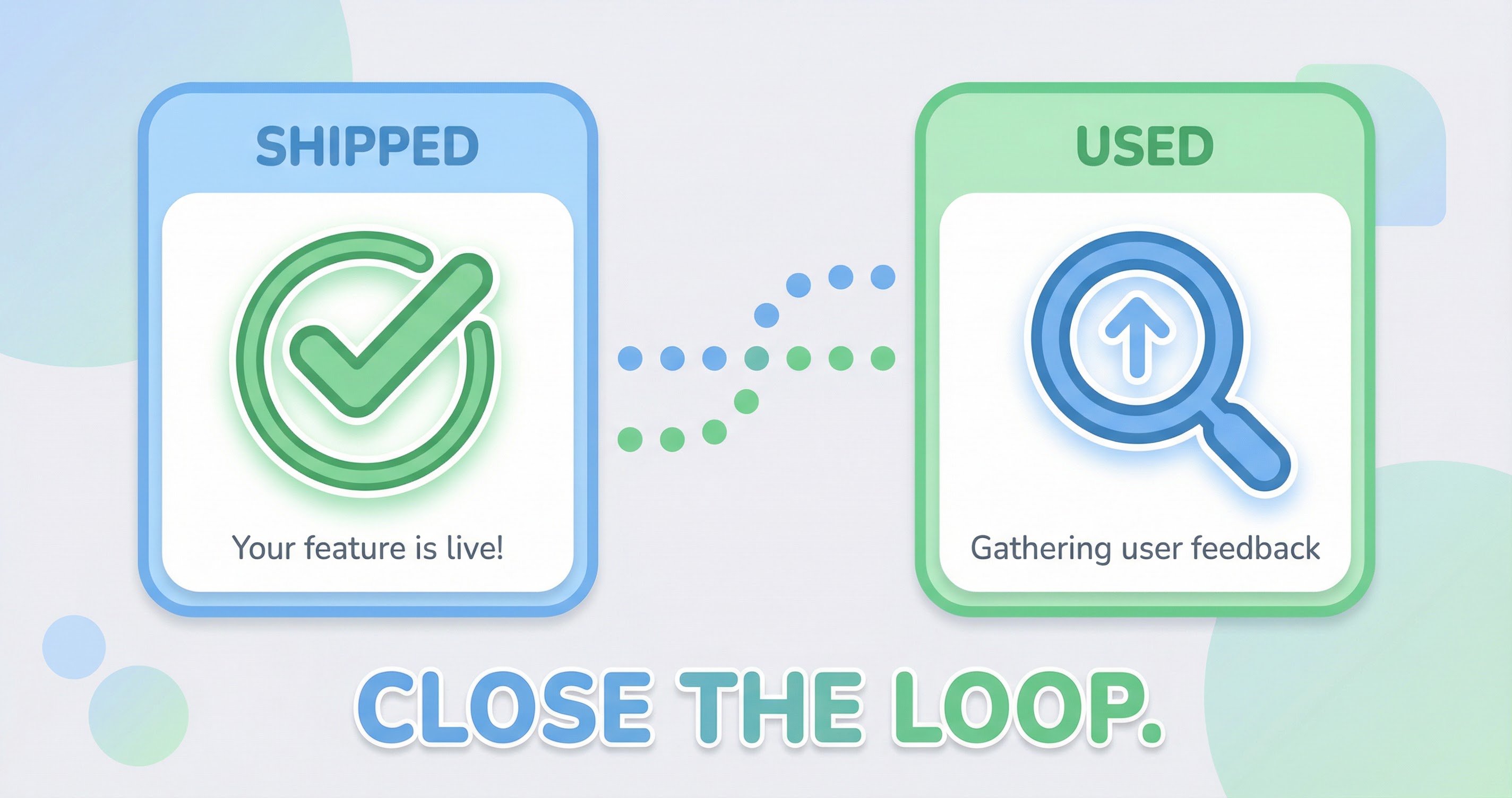
The gap is between shipped and used. Shipping is visible. You had a ticket. You merged the code. You deployed. Using is invisible unless you instrument it and look. Most teams are great at the first part. They're bad at the second. So they keep shipping and hoping. Hope is not a strategy.
The cost is that you don't learn. You don't know if the feature landed. You don't know if the change you made to the flow actually improved it. You're building in the dark. The next feature might be another shot in the dark. Closing the loop is how you turn shipping into learning.
Why it happens
No one's responsible for "did anyone use it?" Engineering ships. Product defined it. But who checks? Often the answer is "the data team," and the data team has a backlog. "Can we see how feature X is doing?" goes in the queue. It might come out in a month. It might not come out at all.
Analytics are either too generic or locked in a data team's backlog. The generic analytics tell you traffic and sessions. They don't tell you "did anyone complete the new flow?" The specific analytics require someone to build a report or run a query. So the question sits. The moment to act passes. The next feature ships. The loop never closes.
Product teams need to be able to answer "did it land?" without a ticket. Without waiting. Without learning SQL. The answer should be in the same place they look every week. If it's not, the loop stays open.
How to close the loop
Tie data to the things you build. After you ship, look: did usage go up? Did behavior change? Did it solve what you thought it would? The only way to know is to instrument the right events and look at the right metric. Not "how's traffic?" but "how many people completed the flow we just changed?"
That means defining the metric before you ship. What would "it worked" look like? One number. Then you ship. Then you look. If the number moved, you learn. If it didn't, you learn. Either way, you're not guessing.
It also means logging what you shipped. When you look at the metric and it moved, you need to know what changed. Was it your feature? The campaign? The bug fix? A product journal that logs every release makes that connection obvious. Without it, you see the number and you wonder.
What we built for that
AppFit is built so product teams can answer "did it land?" without waiting on a data team or digging through topline traffic. You set a focus. You pick the metrics that matter for what you're building. You log what you ship in the product journal. When the weekly report lands, you see the number and you see what changed. The loop closes in one place.
We're not replacing your analytics pipeline. We're giving you a place where the product question and the product answer live together. Ship it. Log it. Watch the number. If it moved, you know. If it didn't, you know. No ticket. No wait. No hope. Just evidence.


